School and daycare photography for true originals
Little heads.
Big
character.
Lively school and daycare photos in which children recognize themselves. With patience, an open eye and room for every original.
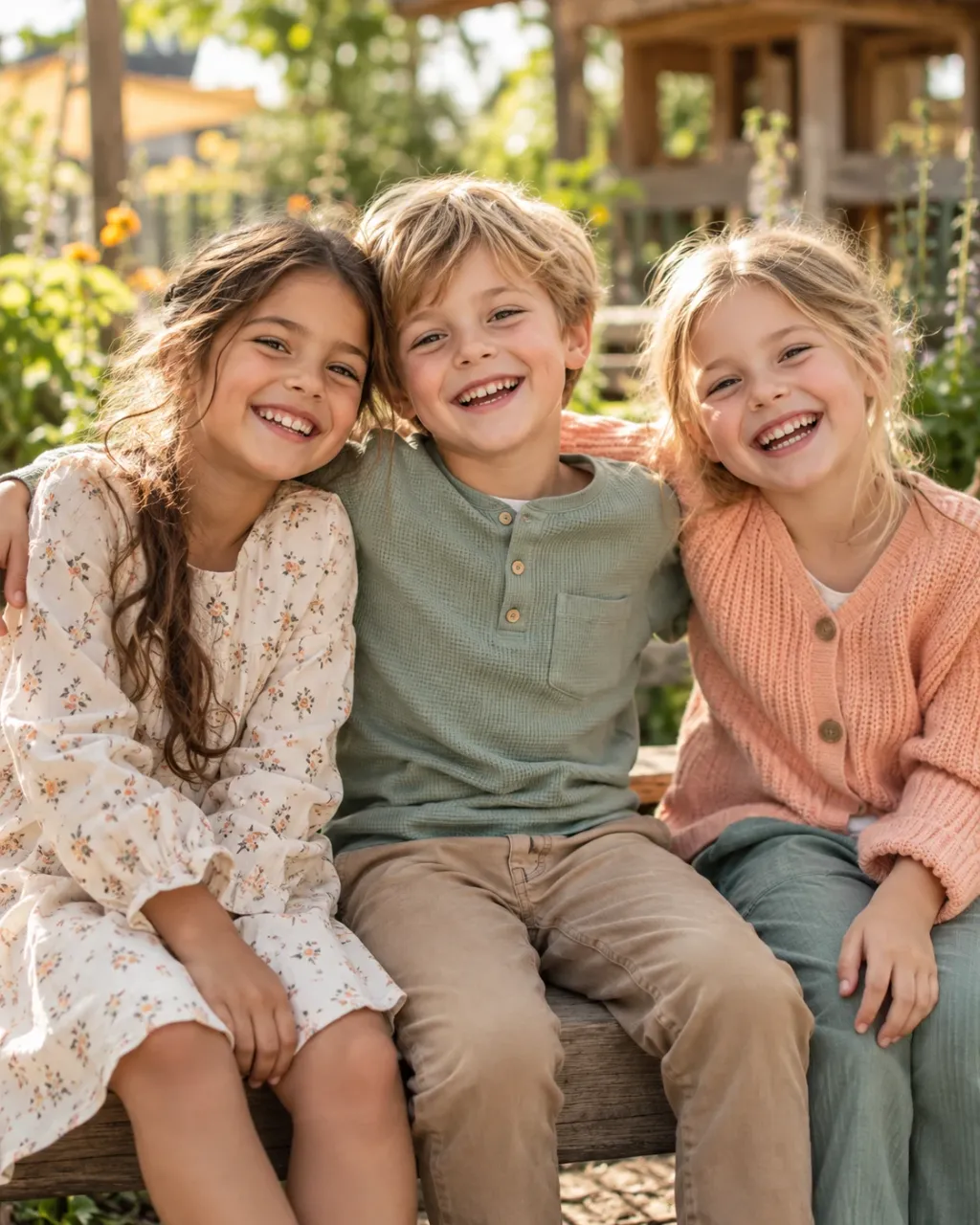
Big memories for little personalities.
Picture day is over?
Now comes
the best part.
Type in the code from the email and take your time looking at your child’s pictures.
School & daycare / real, not rehearsed
So different.
So wonderful.
Sometimes quiet, sometimes full of energy. We don’t want everyone to look the same, but every child to be themselves.
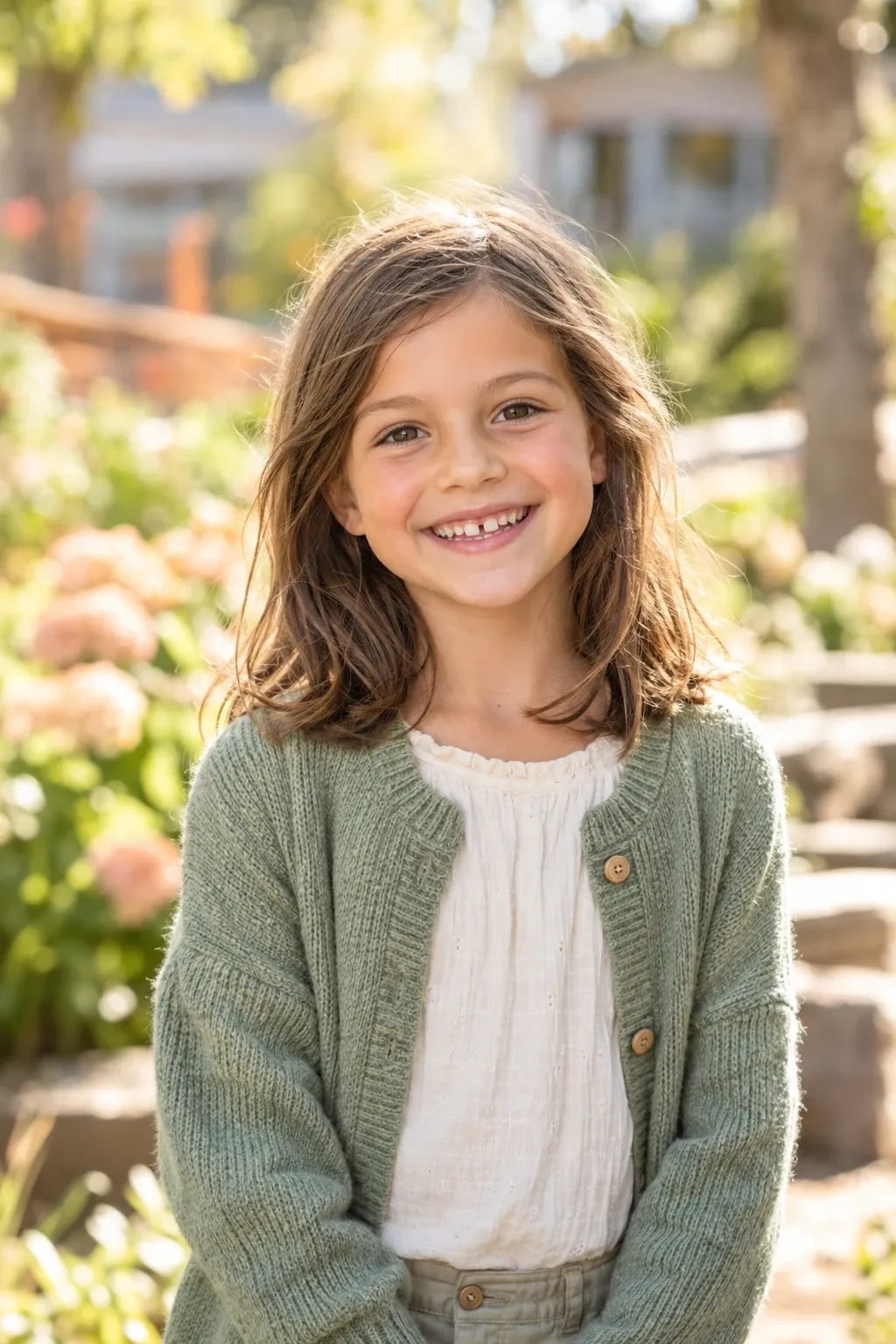
School photography
A schoolchild today.
An original forever.
Personal portraits that say more than a posed smile.
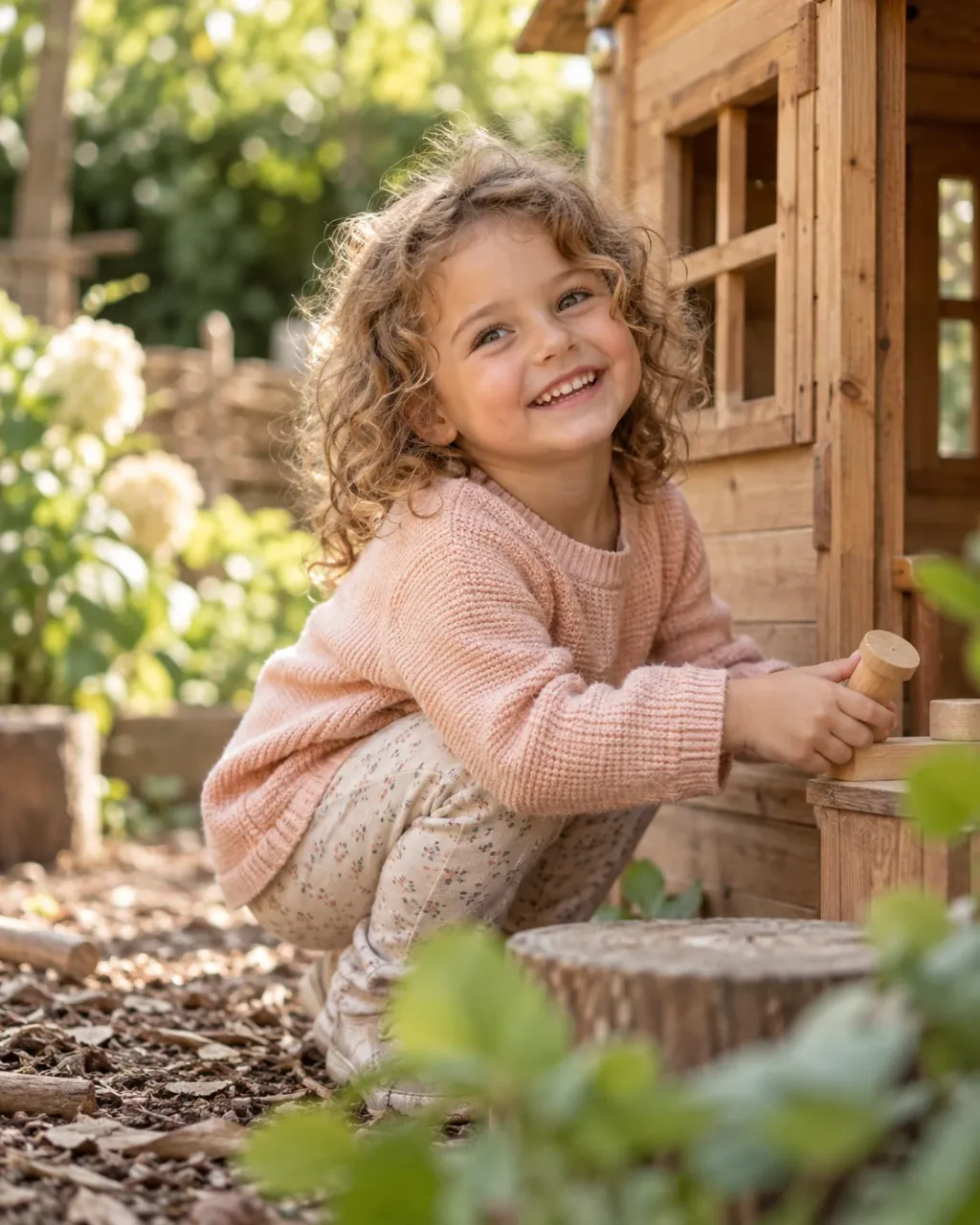
Daycare photography
Discover.
Wonder. Be.
Arrive playfully, build trust and let the moment happen.
Well planned for your institution.
We agree on groups, rooms and time slots together. For a calm day and children who feel at ease.
Parent info
How your
picture day works.
From online registration to ordering: here you’ll find each step for your family.
See the process in 6 steps
1
Before picture day
Scan the QR code at the institution.
Scan the QR code on the notice or parent letter from your school or daycare with your phone camera. It opens the online registration for your picture day.
Please use the QR code of your own institution.
2
Before picture day
Register your child online.
Enter your child’s details and your email address. Read the notes and give the required consents. Then complete the registration.
Important: check your email address for typos.
3
On picture day
Photos at school or daycare.
On the agreed day we photograph the registered children at the institution. With patience, short breaks and room for a natural laugh.
You’ll get the date and practical details from your institution.
4
After editing
“The photos are ready!”: get the email.
As soon as your child’s pictures are ready, we send you an email. It contains your personal access code and the way to your gallery.
Please also check your spam folder.
5
At home, at your own pace
Open the gallery with the access code.
Open the link in the email or enter your code at the top of this page. That takes you to the photos meant for you.
Keep the code safe and only share it with authorized people.
6
Your favorite pictures
Choose, order and enjoy.
Look through the photos, choose your favorites and the products on offer and add them to the cart. Then complete your purchase online.
You’ll see available prints, downloads, packages and delivery options right in your gallery.
**Good to know:** registering is not yet a photo order. You choose your pictures and the available products once the gallery is open.
Another question?
Here’s
how we help.
Where do I find the QR code to register?
Your school or daycare provides the QR code, for example on a notice or in the parent information. It leads to the registration for exactly this picture day.
I haven’t received an email yet. What now?
The notification arrives once the photos have been edited and released. Also check your spam folder. If the announced release has already happened, write to us with the institution and picture day so we can help.
Where is my access code?
You’ll find it in the email telling you the photos are ready. If you can’t find it, contact us. Access details are only shared after checking eligibility.
Which photos and products can I buy?
You’ll see the photos released for you and the products on offer in the gallery, together with prices, formats and delivery or download details.
Can I register my child later?
That depends on the picture day and the registration deadline. Please ask your institution or us before assuming your child can take part.
And now
over to you!
Questions? Ideas? Dates?

Just start writing.
A parent question, a preferred date or a question about registration: a few sentences will do, we’ll sort out the rest together.